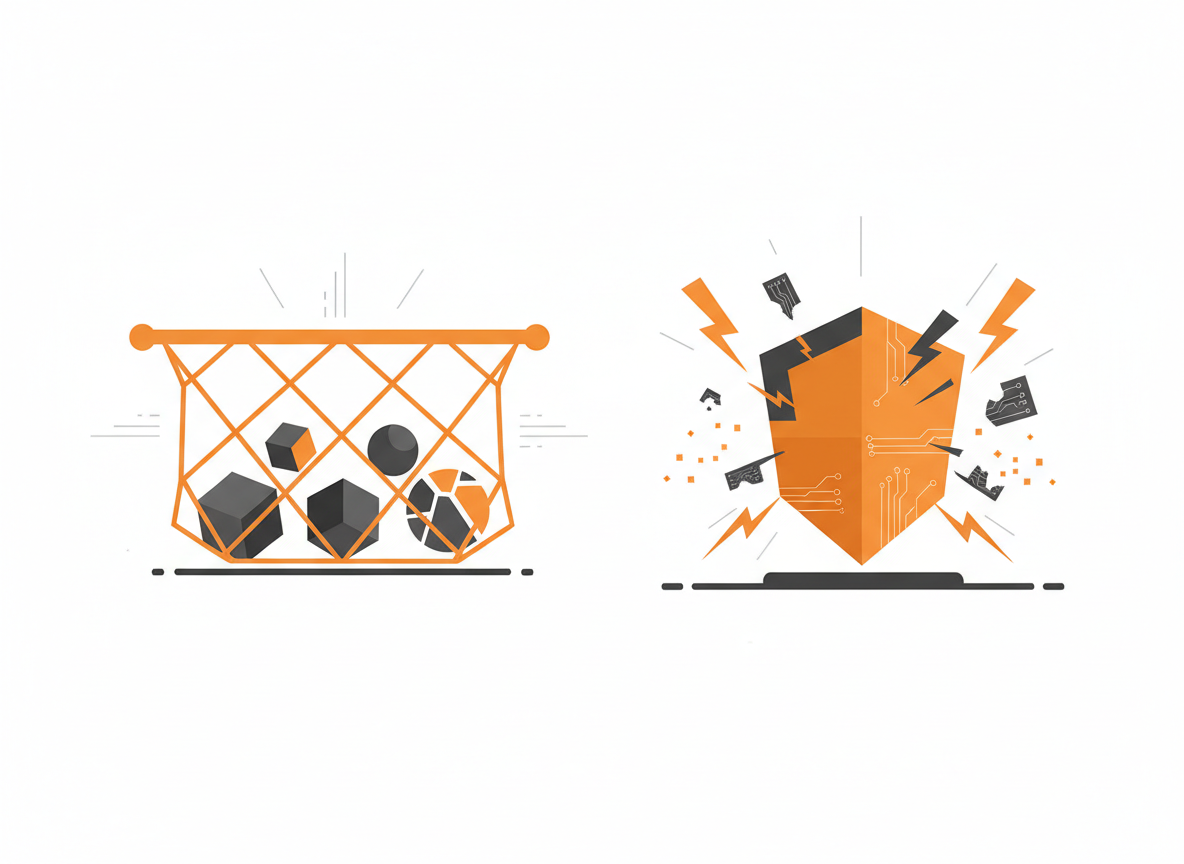
Programs encounter problems. A file doesn’t exist. A network connection drops. A user enters text when you expected a number. Without exception handling, these errors crash your program. With it, you can detect problems and respond gracefully.
What is an Exception?
An exception is an event that disrupts normal program flow. When something goes wrong, Java creates an exception object containing information about the error. If nothing handles the exception, the program terminates.
int[] numbers = {1, 2, 3};
System.out.println(numbers[10]);  // ArrayIndexOutOfBoundsException
String text = null;
System.out.println(text.length()); // NullPointerExceptionint result = 10 / 0; // ArithmeticExceptionEach of these throws an exception and stops execution.
Try-Catch Blocks
The try-catch structure handles exceptions:
try {
    // Code that might throw an exception
    int result = 10 / 0;
    System.out.println(result);
} catch (ArithmeticException e) {
    // Code that runs if the exception occurs
    System.out.println("Cannot divide by zero");
}

System.out.println("Program continues");
Output:
Cannot divide by zero
Program continues
The exception is caught and handled. The program doesn’t crash.
Multiple Catch Blocks
Different exceptions can require different handling:
public static void processInput(String input) {
    try {
        int number = Integer.parseInt(input);
        int result = 100 / number;
        System.out.println("Result: " + result);
    } catch (NumberFormatException e) {
        System.out.println("Invalid number format: " + input);
    } catch (ArithmeticException e) {
        System.out.println("Cannot divide by zero");
    }
}

processInput("abc");  // Invalid number format: abc
processInput("0");    // Cannot divide by zero
processInput("5");    // Result: 20
Java checks catch blocks in order and uses the first one that matches.
Catching Multiple Exceptions Together
If you handle multiple exceptions the same way, combine them:
try {
    // risky code
} catch (IOException | SQLException e) {
    System.out.println("Database or file error: " + e.getMessage());
}
The pipe symbol separates exception types that share a handler.
The Exception Hierarchy
All exceptions extend from Throwable. The two main branches are Exception (recoverable problems) and Error (serious system problems you typically don’t catch).
Throwable
├── Error (don't catch these)
│   ├── OutOfMemoryError
│   └── StackOverflowError
└── Exception
    ├── RuntimeException (unchecked)
    │   ├── NullPointerException
    │   ├── ArrayIndexOutOfBoundsException
    │   └── ArithmeticException
    └── IOException (checked)
        └── FileNotFoundException
Catching a parent type catches all its children:
try {
    // code
} catch (Exception e) {
    // Catches ANY exception
}
Be specific when possible. Catching Exception hides what actually went wrong.
Checked vs Unchecked Exceptions
Unchecked exceptions (RuntimeException and subclasses) don’t require handling. They usually indicate programming errors: null pointers, array bounds, division by zero. Fix the code rather than catch these.
Checked exceptions must be handled or declared. The compiler enforces this. File operations, network calls, and database access throw checked exceptions because failures are expected and recoverable.
// Unchecked - compiler doesn't require handling
String s = null;
s.length();  // NullPointerException at runtime

// Checked - compiler requires handling
FileReader reader = new FileReader("file.txt");  // Won't compile without handling
The finally Block
Code in finally runs whether or not an exception occurs. Use it for cleanup:
FileReader reader = null;
try {
    reader = new FileReader("data.txt");
    // Read file
} catch (FileNotFoundException e) {
    System.out.println("File not found");
} finally {
    // Always runs
    if (reader != null) {
        try {
            reader.close();
        } catch (IOException e) {
            System.out.println("Error closing file");
        }
    }
}
The finally block ensures the file gets closed even if an exception occurs.
Try-With-Resources
Java 7 introduced a cleaner way to handle resources that need closing:
try (FileReader reader = new FileReader("data.txt");
     BufferedReader buffered = new BufferedReader(reader)) {

    String line = buffered.readLine();
    System.out.println(line);

} catch (IOException e) {
    System.out.println("Error reading file: " + e.getMessage());
}
// Resources automatically closed
Resources declared in the try parentheses are automatically closed when the block exits, even if an exception occurs. The resource must implement AutoCloseable.
Throwing Exceptions
Use throw to create and throw an exception:
public void setAge(int age) {
    if (age < 0) {
        throw new IllegalArgumentException("Age cannot be negative");
    }
    this.age = age;
}
The method immediately stops and the exception propagates up the call stack until something catches it.
Declaring Exceptions with throws
If a method might throw a checked exception it doesn’t handle, declare it with throws:
public void readFile(String path) throws IOException {
    FileReader reader = new FileReader(path);
    // Read operations
    reader.close();
}
Now callers must handle or declare the exception:
// Option 1: Handle it
try {
    readFile("data.txt");
} catch (IOException e) {
    System.out.println("Could not read file");
}

// Option 2: Declare it (pass responsibility to caller)
public void processFile() throws IOException {
    readFile("data.txt");
}
Creating Custom Exceptions
Create your own exception types for domain-specific errors:
public class InsufficientFundsException extends Exception {
    private double amount;
    private double balance;

    public InsufficientFundsException(double amount, double balance) {
        super("Insufficient funds: tried to withdraw " + amount + " but balance is " + balance);
        this.amount = amount;
        this.balance = balance;
    }

    public double getAmount() {
        return amount;
    }

    public double getBalance() {
        return balance;
    }
}
Using the custom exception:
public class BankAccount {
    private double balance;

    public BankAccount(double balance) {
        this.balance = balance;
    }

    public void withdraw(double amount) throws InsufficientFundsException {
        if (amount > balance) {
            throw new InsufficientFundsException(amount, balance);
        }
        balance -= amount;
    }

    public double getBalance() {
        return balance;
    }
}
BankAccount account = new BankAccount(100);
try {
account.withdraw(150);
} catch (InsufficientFundsException e) {
System.out.println(e.getMessage());
System.out.println("You need: " + (e.getAmount() - e.getBalance()) + " more");
}Output:
Insufficient funds: tried to withdraw 150.0 but balance is 100.0
You need: 50.0 more
Exception Methods
Exception objects provide useful information:
try {
    int result = 10 / 0;
} catch (ArithmeticException e) {
    System.out.println("Message: " + e.getMessage());
    System.out.println("Type: " + e.getClass().getName());
    System.out.println("Stack trace:");
    e.printStackTrace();
}
getMessage() returns the error description. printStackTrace() prints the full call stack showing where the error occurred.
Best Practices
Catch specific exceptions. Avoid catching Exception or Throwable unless you have a good reason. Specific catches make debugging easier.
Don’t swallow exceptions. An empty catch block hides problems:
// Bad - problem is hidden
try {
    riskyOperation();
} catch (Exception e) {
    // Silently ignored
}

// Better - at least log it
try {
    riskyOperation();
} catch (Exception e) {
    System.err.println("Error: " + e.getMessage());
}
Use try-with-resources. It’s cleaner and safer than manual finally blocks for closeable resources.
Throw early, catch late. Validate input and throw exceptions as soon as problems are detected. Catch exceptions at the level where you can meaningfully handle them.
Include useful messages. Exception messages should help diagnose the problem:
// Bad
throw new IllegalArgumentException("Invalid value");

// Better
throw new IllegalArgumentException("Age must be positive, got: " + age);
Practical Example: User Registration
public class RegistrationException extends Exception {
    public RegistrationException(String message) {
        super(message);
    }
}

public class UserService {
    private ArrayList<String> existingUsernames = new ArrayList<>();

    public UserService() {
        existingUsernames.add("admin");
        existingUsernames.add("root");
    }

    public void registerUser(String username, String email, String password)
            throws RegistrationException {

        validateUsername(username);
        validateEmail(email);
        validatePassword(password);

        existingUsernames.add(username);
        System.out.println("User registered: " + username);
    }

    private void validateUsername(String username) throws RegistrationException {
        if (username == null || username.length() < 3) {
            throw new RegistrationException("Username must be at least 3 characters");
        }
        if (existingUsernames.contains(username.toLowerCase())) {
            throw new RegistrationException("Username already taken: " + username);
        }
    }

    private void validateEmail(String email) throws RegistrationException {
        if (email == null || !email.contains("@") || !email.contains(".")) {
            throw new RegistrationException("Invalid email format: " + email);
        }
    }

    private void validatePassword(String password) throws RegistrationException {
        if (password == null || password.length() < 8) {
            throw new RegistrationException("Password must be at least 8 characters");
        }
    }
}
Using the service:
UserService service = new UserService();

String[] usernames = {"ab", "admin", "newuser"};
String[] emails = {"bademail", "good@email.com", "also@good.com"};
String[] passwords = {"short", "longenough123", "alsogood456"};

for (int i = 0; i < usernames.length; i++) {
    try {
        service.registerUser(usernames[i], emails[i], passwords[i]);
    } catch (RegistrationException e) {
        System.out.println("Registration failed: " + e.getMessage());
    }
    System.out.println();
}
Output:
Registration failed: Username must be at least 3 characters

Registration failed: Username already taken: admin

User registered: newuser
Common Mistakes
Catching exceptions too broadly. Catching Exception when you only expect IOException hides other bugs.
Using exceptions for control flow. Exceptions are for exceptional situations, not normal logic. Don’t throw an exception just to exit a loop.
Ignoring exceptions. Empty catch blocks make debugging a nightmare.
Not closing resources. Always use try-with-resources or finally to close files, connections, and streams.
What’s Next
Programs often need to read and write files. File I/O uses the exception handling you just learned because file operations can fail in many ways. The next tutorial covers reading and writing files in Java.
Related: Abstract Classes in Java | Reading and Writing Files in Java
Sources
- Oracle. “Exceptions.” The Java Tutorials. docs.oracle.com
- Oracle. “The try-with-resources Statement.” The Java Tutorials. docs.oracle.com