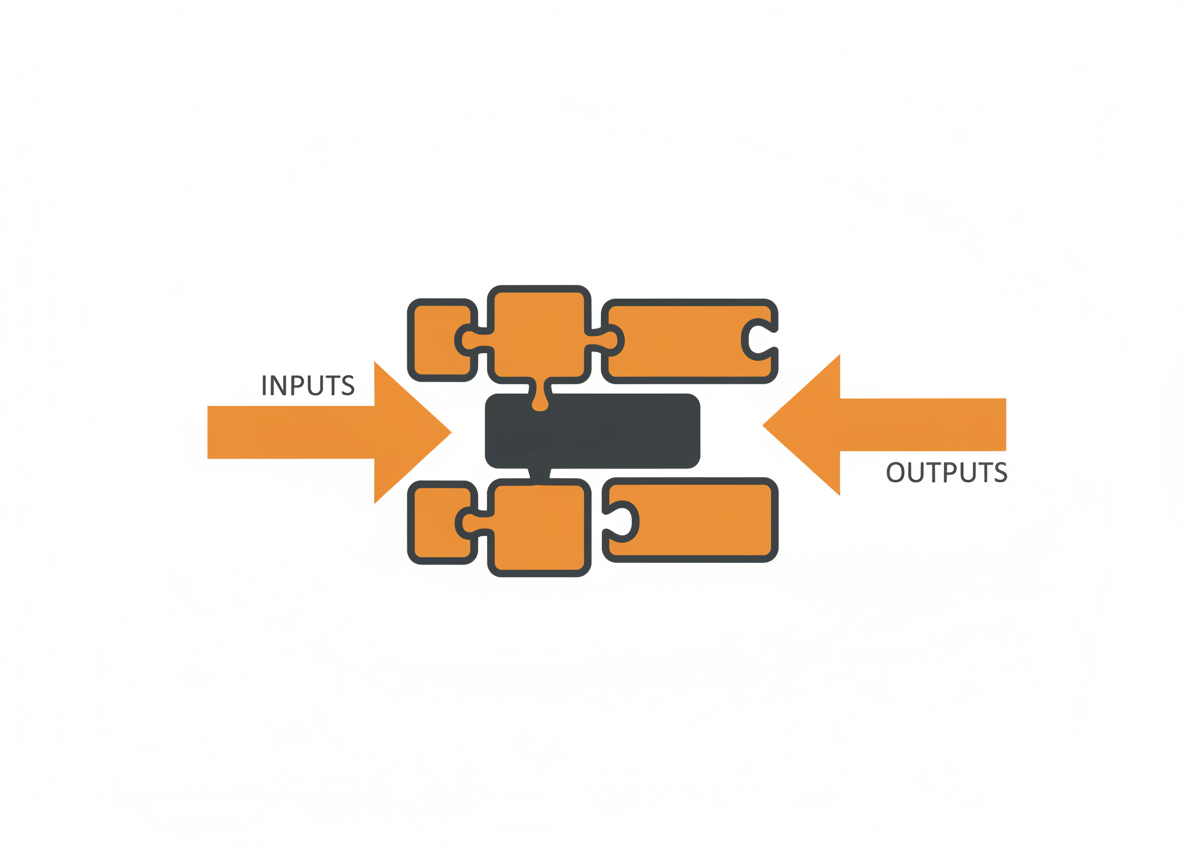
As programs grow, putting all code in main becomes unmanageable. Methods let you break code into named, reusable pieces. Instead of copying the same logic everywhere, you write it once and call it whenever needed.
You’ve already used methods. System.out.println() is a method. scanner.nextInt() is a method. Now you’ll learn to write your own.
Anatomy of a Method
A method has several parts:
public static int add(int a, int b) {
    int sum = a + b;
    return sum;
}
Access modifier: public means the method can be called from anywhere. We’ll stick with public for now.
Static keyword: static means the method belongs to the class, not to an object. Required for methods called from main.
Return type: int indicates this method gives back an integer. If a method returns nothing, use void.
Method name: add is how you refer to this method. Use camelCase and descriptive names.
Parameters: (int a, int b) lists the inputs the method expects. Each parameter has a type and name.
Body: The code between curly braces runs when the method is called.
Return statement: return sum; sends a value back to the caller.
Your First Method
Here’s a complete program with a custom method:
public class MethodDemo {
    public static void main(String[] args) {
        int result = add(5, 3);
        System.out.println("5 + 3 = " + result);

        int another = add(10, 20);
        System.out.println("10 + 20 = " + another);
    }

    public static int add(int a, int b) {
        return a + b;
    }
}
Output:
5 + 3 = 8
10 + 20 = 30
The method is defined once but called twice with different values. Each call substitutes the arguments (5 and 3, then 10 and 20) for the parameters (a and b).
void Methods
Not every method returns a value. Use void when a method does something but doesn’t give back a result.
public class GreetingDemo {
    public static void main(String[] args) {
        greet("Alice");
        greet("Bob");
    }

    public static void greet(String name) {
        System.out.println("Hello, " + name + "!");
    }
}
Output:
Hello, Alice!
Hello, Bob!
The greet method prints a message but returns nothing. You can’t assign its result to a variable because there is no result.
A void method can still use return; (with no value) to exit early:
public static void printIfPositive(int number) {
    if (number <= 0) {
        return;  // Exit immediately
    }
    System.out.println("Number: " + number);
}
Parameters and Arguments
Parameters are the variables listed in the method definition. Arguments are the actual values passed when calling the method.
// Parameters: a and b
public static int multiply(int a, int b) {
    return a * b;
}

// Arguments: 4 and 7
int result = multiply(4, 7);
The terms are often used interchangeably, but technically parameters are the placeholders and arguments are the values that fill them.
Multiple Parameters
Methods can have any number of parameters:
public static double calculateTotal(double price, int quantity, double taxRate) {
    double subtotal = price * quantity;
    double tax = subtotal * taxRate;
    return subtotal + tax;
}

// Call with three arguments
double total = calculateTotal(19.99, 3, 0.08);
No Parameters
Methods can also have no parameters:
public static void printWelcome() {
    System.out.println("Welcome to the program!");
}

// Call with empty parentheses
printWelcome();
The parentheses are required even when empty.
Return Values
The return type declares what kind of value the method sends back. The return statement provides that value.
public static boolean isEven(int number) {
    return number % 2 == 0;
}

public static String getGrade(int score) {
    if (score >= 90) return "A";
    if (score >= 80) return "B";
    if (score >= 70) return "C";
    if (score >= 60) return "D";
    return "F";
}

public static double average(int a, int b, int c) {
    return (a + b + c) / 3.0;
}
The returned value can be stored in a variable, printed directly, or used in an expression:
// Store in variable
boolean even = isEven(10);

// Use directly in print
System.out.println("Grade: " + getGrade(85));

// Use in expression
double total = average(80, 90, 85) * 1.1;
Returning Early
A method can have multiple return statements. Execution stops at the first one reached.
public static int absoluteValue(int number) {
    if (number < 0) {
        return -number;
    }
    return number;
}
If number is negative, the method returns immediately. The second return only runs for non-negative numbers.
Method Overloading
Java allows multiple methods with the same name if their parameter lists differ. This is called overloading.
public class OverloadDemo {
    public static void main(String[] args) {
        System.out.println(add(5, 3));           // Calls int version
        System.out.println(add(2.5, 3.7));       // Calls double version
        System.out.println(add(1, 2, 3));        // Calls three-parameter version
    }

    public static int add(int a, int b) {
        return a + b;
    }

    public static double add(double a, double b) {
        return a + b;
    }

    public static int add(int a, int b, int c) {
        return a + b + c;
    }
}
Java determines which method to call based on the number and types of arguments. This lets you provide a clean interface for different use cases.
The println() method you’ve been using is heavily overloaded. There are versions for String, int, double, boolean, char, and more.
Variable Scope
Variables declared inside a method exist only within that method. They’re called local variables.
public static void methodA() {
    int x = 10;
    System.out.println(x);  // Works fine
}

public static void methodB() {
    // System.out.println(x);  // Error: x is not defined here
}
Each method has its own separate space for variables. A variable named x in methodA is completely independent of a variable named x in methodB.
Parameters are also local to their method:
public static void doubleIt(int num) {
    num = num * 2;
    System.out.println("Inside method: " + num);
}

public static void main(String[] args) {
    int value = 5;
    doubleIt(value);
    System.out.println("After method: " + value);
}
Output:
Inside method: 10
After method: 5
The original value is unchanged. Java passes a copy of the value to the method. Changing the copy doesn’t affect the original. This is called pass by value.
Organizing Code with Methods
Methods help in several ways:
Avoid repetition. Write logic once, call it many times.
Improve readability. A well-named method tells you what the code does without reading the details.
Simplify testing. Test each method independently.
Enable teamwork. Different developers can work on different methods.
Compare these two versions:
// Without methods - hard to follow
public static void main(String[] args) {
    double price1 = 29.99;
    int qty1 = 2;
    double subtotal1 = price1 * qty1;
    double tax1 = subtotal1 * 0.08;
    double total1 = subtotal1 + tax1;

    double price2 = 15.50;
    int qty2 = 4;
    double subtotal2 = price2 * qty2;
    double tax2 = subtotal2 * 0.08;
    double total2 = subtotal2 + tax2;

    System.out.println("Order 1: $" + total1);
    System.out.println("Order 2: $" + total2);
}
// With methods - clear and concise
public static void main(String[] args) {
double total1 = calculateTotal(29.99, 2);
double total2 = calculateTotal(15.50, 4);
System.out.println("Order 1: $" + total1);
System.out.println("Order 2: $" + total2);
}
public static double calculateTotal(double price, int quantity) {
double subtotal = price * quantity;
double tax = subtotal * 0.08;
return subtotal + tax;
}The second version is shorter, clearer, and easier to change. If the tax rate changes, you update one method instead of hunting through repeated code.
Practical Example
Here’s a program that uses multiple methods to validate and process user data:
import java.util.Scanner;

public class UserRegistration {
    public static void main(String[] args) {
        Scanner scanner = new Scanner(System.in);

        String username = getValidUsername(scanner);
        String email = getValidEmail(scanner);
        int age = getValidAge(scanner);

        displaySummary(username, email, age);

        scanner.close();
    }

    public static String getValidUsername(Scanner scanner) {
        while (true) {
            System.out.print("Enter username (3-15 characters): ");
            String input = scanner.nextLine().trim();

            if (isValidUsername(input)) {
                return input;
            }
            System.out.println("Invalid username. Try again.");
        }
    }

    public static boolean isValidUsername(String username) {
        return username.length() >= 3 && username.length() <= 15;
    }

    public static String getValidEmail(Scanner scanner) {
        while (true) {
            System.out.print("Enter email: ");
            String input = scanner.nextLine().trim();

            if (isValidEmail(input)) {
                return input;
            }
            System.out.println("Invalid email. Try again.");
        }
    }

    public static boolean isValidEmail(String email) {
        return email.contains("@") && email.contains(".");
    }

    public static int getValidAge(Scanner scanner) {
        while (true) {
            System.out.print("Enter age (13-120): ");

            if (scanner.hasNextInt()) {
                int age = scanner.nextInt();
                scanner.nextLine();  // Consume newline

                if (age >= 13 && age <= 120) {
                    return age;
                }
            } else {
                scanner.nextLine();  // Consume invalid input
            }
            System.out.println("Invalid age. Try again.");
        }
    }

    public static void displaySummary(String username, String email, int age) {
        System.out.println();
        System.out.println("Registration Summary");
        System.out.println("-------------------");
        System.out.println("Username: " + username);
        System.out.println("Email: " + email);
        System.out.println("Age: " + age);
    }
}
Each method handles one specific task. The main method reads like a high-level summary of what the program does.
Common Mistakes
Forgetting to return a value. If a method declares a return type, every code path must return a value of that type.
// Error: missing return statement
public static int getValue(boolean flag) {
    if (flag) {
        return 10;
    }
    // What if flag is false? No return!
}
Wrong return type. The returned value must match the declared type.
public static int divide(int a, int b) {
    return a / (double) b;  // Error: returns double, not int
}
Calling a non-static method from main. Methods called directly from main (or other static methods) must be static.
Wrong number or type of arguments. The arguments must match the parameters in number, order, and compatible types.
Ignoring the return value. Not a syntax error, but often a logic error. If a method returns something useful, don’t call it and throw away the result.
What’s Next
Methods work with individual values. Arrays let you work with collections of values, passing entire lists to methods and returning results. The next tutorial covers array basics.
Related: Getting User Input with Scanner | Java Arrays Explained
Sources
- Oracle. “Defining Methods.” The Java Tutorials. docs.oracle.com
- Oracle. “Passing Information to a Method or a Constructor.” The Java Tutorials. docs.oracle.com