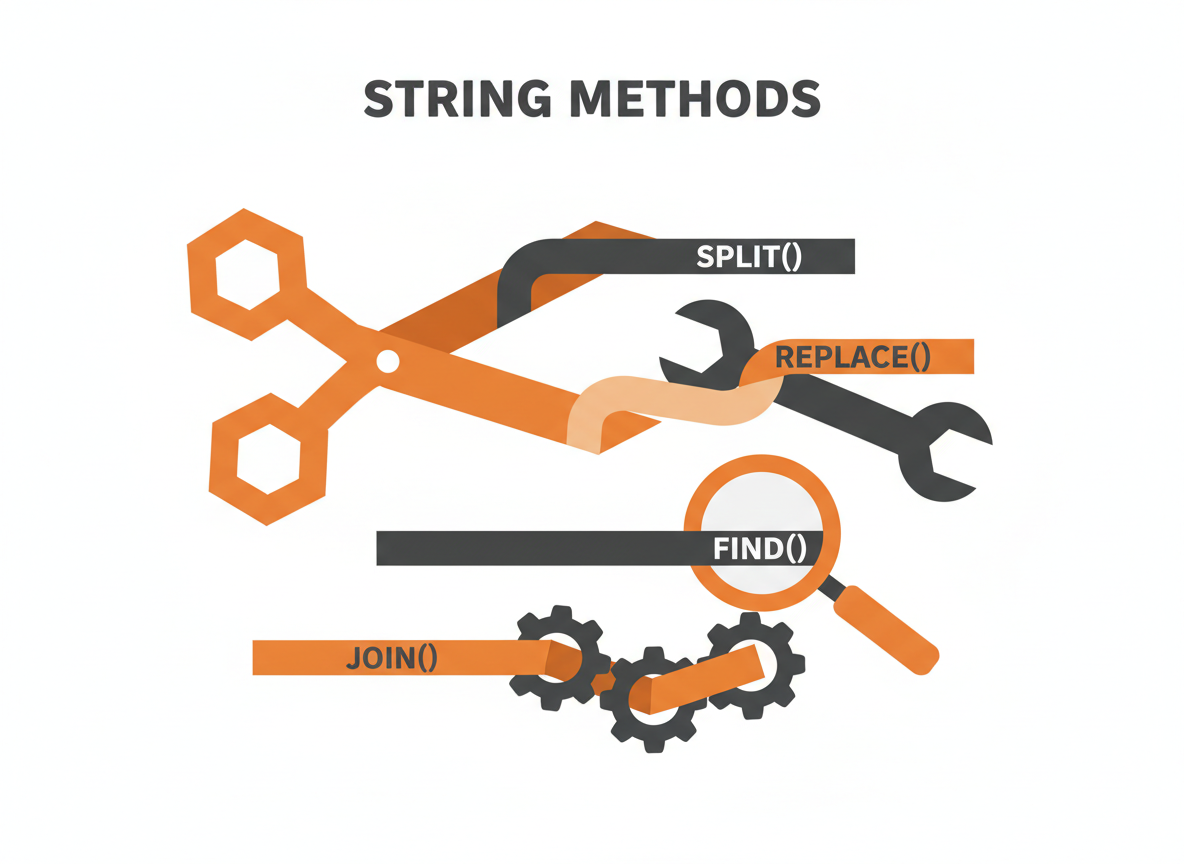
Strings are everywhere in Java. You’ll manipulate them constantly, whether parsing user input, building output, or processing data. This cheat sheet covers the methods you’ll use most often, with examples you can copy and adapt.
All examples assume:
String text = "Hello, World!";Getting Information
length()
Returns the number of characters in the string.
int len = text.length(); // 13isEmpty() / isBlank()
Check if the string has no content. isBlank() (Java 11+) also returns true for whitespace-only strings.
"".isEmpty();      // true
"".isBlank();      // true
"   ".isEmpty();   // false
"   ".isBlank();   // true
charAt(index)
Returns the character at the specified index (0-based).
char c = text.charAt(0);   // 'H'
char d = text.charAt(7);   // 'W'
indexOf(str) / lastIndexOf(str)
Returns the index of the first/last occurrence. Returns -1 if not found.
text.indexOf("o");        // 4
text.lastIndexOf("o");    // 8
text.indexOf("xyz");      // -1
text.indexOf("o", 5);     // 8 (start searching from index 5)
contains(str)
Returns true if the string contains the specified sequence.
text.contains("World");   // true
text.contains("world");   // false (case-sensitive)
startsWith(str) / endsWith(str)
Check if the string begins or ends with the specified prefix/suffix.
text.startsWith("Hello");  // true
text.endsWith("!");        // true
text.startsWith("ello", 1); // true (start checking from index 1)
Extracting Substrings
substring(beginIndex) / substring(beginIndex, endIndex)
Extracts a portion of the string. The endIndex is exclusive.
text.substring(7);        // "World!"
text.substring(0, 5);     // "Hello"
text.substring(7, 12);    // "World"
split(regex)
Splits the string into an array based on a delimiter.
String data = "apple,banana,cherry";
String[] fruits = data.split(",");
// ["apple", "banana", "cherry"]

String sentence = "one  two   three";
String[] words = sentence.split("\\s+");  // Split on whitespace
// ["one", "two", "three"]

// Limit the number of splits
"a-b-c-d".split("-", 2);  // ["a", "b-c-d"]
toCharArray()
Converts the string to a character array.
char[] chars = text.toCharArray();
// ['H', 'e', 'l', 'l', 'o', ',', ' ', 'W', 'o', 'r', 'l', 'd', '!']
Modifying Strings
Remember: Strings are immutable. These methods return new strings; they don’t change the original.
toLowerCase() / toUpperCase()
Converts case.
text.toLowerCase();  // "hello, world!"
text.toUpperCase();  // "HELLO, WORLD!"
trim() / strip()
Removes leading and trailing whitespace. strip() (Java 11+) handles Unicode whitespace better.
"  hello  ".trim();   // "hello"
"  hello  ".strip();  // "hello"

// Strip only one side
"  hello  ".stripLeading();   // "hello  "
"  hello  ".stripTrailing();  // "  hello"
replace(old, new)
Replaces all occurrences of a character or string.
text.replace('o', '0');           // "Hell0, W0rld!"
text.replace("World", "Java");    // "Hello, Java!"
replaceAll(regex, replacement)
Replaces all matches of a regular expression.
"a1b2c3".replaceAll("\\d", "X");      // "aXbXcX"
"hello   world".replaceAll("\\s+", " ");  // "hello world"
replaceFirst(regex, replacement)
Replaces only the first match.
"a1b2c3".replaceFirst("\\d", "X"); // "aXb2c3"concat(str)
Concatenates strings. The + operator is usually cleaner.
"Hello".concat(", World");  // "Hello, World"
"Hello" + ", World";        // Same result, more readable
repeat(count)
Repeats the string n times (Java 11+).
"ab".repeat(3);   // "ababab"
"-".repeat(20);   // "--------------------"
Comparing Strings
equals(str) / equalsIgnoreCase(str)
Compares string content. Never use == for string comparison.
"hello".equals("hello");           // true
"hello".equals("Hello");           // false
"hello".equalsIgnoreCase("Hello"); // true
compareTo(str) / compareToIgnoreCase(str)
Compares lexicographically. Returns 0 if equal, negative if less, positive if greater.
"apple".compareTo("banana");  // negative (a comes before b)
"banana".compareTo("apple");  // positive
"apple".compareTo("apple");   // 0
matches(regex)
Tests if the entire string matches a regular expression.
"hello123".matches("\\w+");       // true
"hello".matches("\\d+");          // false
"test@email.com".matches(".+@.+\\..+");  // true (basic email check)
Formatting and Building
String.format(format, args…)
Creates formatted strings with placeholders.
String.format("Name: %s, Age: %d", "Alice", 30);
// "Name: Alice, Age: 30"

String.format("Price: $%.2f", 19.99);
// "Price: $19.99"

String.format("Hex: %x, Binary: %s", 255, Integer.toBinaryString(255));
// "Hex: ff, Binary: 11111111"

// Common format specifiers:
// %s - String
// %d - Integer
// %f - Float/Double
// %.2f - Float with 2 decimal places
// %n - Newline (platform-independent)
// %% - Literal percent sign
String.join(delimiter, elements)
Joins elements with a delimiter.
String.join(", ", "apple", "banana", "cherry");
// "apple, banana, cherry"

List<String> list = Arrays.asList("one", "two", "three");
String.join(" - ", list);
// "one - two - three"
String.valueOf(value)
Converts other types to strings.
String.valueOf(42);        // "42"
String.valueOf(3.14);      // "3.14"
String.valueOf(true);      // "true"
String.valueOf(new char[]{'a', 'b', 'c'});  // "abc"
Parsing Strings to Numbers
int i = Integer.parseInt("42");
double d = Double.parseDouble("3.14");
long l = Long.parseLong("1234567890");
boolean b = Boolean.parseBoolean("true");

// With radix (base)
Integer.parseInt("FF", 16);   // 255 (hex to decimal)
Integer.parseInt("1010", 2);  // 10 (binary to decimal)
StringBuilder for Efficiency
When building strings in loops, use StringBuilder to avoid creating many intermediate string objects.
// Inefficient - creates new string each iteration
String result = "";
for (int i = 0; i < 1000; i++) {
    result += i + ",";  // Bad
}

// Efficient - single mutable buffer
StringBuilder sb = new StringBuilder();
for (int i = 0; i < 1000; i++) {
    sb.append(i).append(",");
}
String result = sb.toString();
Common StringBuilder Methods
StringBuilder sb = new StringBuilder();

sb.append("Hello");           // Add to end
sb.append(" ").append("World");
sb.insert(5, ",");            // Insert at position
sb.delete(5, 6);              // Delete range
sb.reverse();                 // Reverse contents
sb.setCharAt(0, 'h');         // Replace character

String result = sb.toString(); // Convert to String
Java 11+ Text Blocks
Multi-line strings without escape characters (Java 15+, preview in 13-14).
String json = """
    {
        "name": "Alice",
        "age": 30
    }
    """;

String html = """
    <html>
        <body>
            <p>Hello, World!</p>
        </body>
    </html>
    """;
Quick Reference Table
| Task | Method | Example |
|---|---|---|
| Get length | length() | “hello”.length() = 5 |
| Check empty | isEmpty(), isBlank() | “”.isEmpty() = true |
| Get character | charAt(i) | “hello”.charAt(0) = ‘h’ |
| Find position | indexOf(), lastIndexOf() | “hello”.indexOf(‘l’) = 2 |
| Check contains | contains() | “hello”.contains(“ell”) = true |
| Extract part | substring() | “hello”.substring(1,4) = “ell” |
| Split | split() | “a,b,c”.split(“,”) = [“a”,”b”,”c”] |
| Change case | toLowerCase(), toUpperCase() | “Hello”.toLowerCase() = “hello” |
| Remove whitespace | trim(), strip() | ” hi “.trim() = “hi” |
| Replace | replace(), replaceAll() | “hello”.replace(‘l’,’x’) = “hexxo” |
| Compare | equals(), equalsIgnoreCase() | “a”.equals(“a”) = true |
| Format | String.format() | String.format(“%d”, 42) = “42” |
| Join | String.join() | String.join(“-“,”a”,”b”) = “a-b” |
| Parse number | Integer.parseInt(), etc. | Integer.parseInt(“42”) = 42 |
Common Patterns
Check if String is a Number
public static boolean isNumeric(String str) {
    if (str == null || str.isEmpty()) {
        return false;
    }
    try {
        Double.parseDouble(str);
        return true;
    } catch (NumberFormatException e) {
        return false;
    }
}
Capitalize First Letter
public static String capitalize(String str) {
    if (str == null || str.isEmpty()) {
        return str;
    }
    return str.substring(0, 1).toUpperCase() + str.substring(1).toLowerCase();
}
Reverse a String
String reversed = new StringBuilder("hello").reverse().toString();
// "olleh"
Count Occurrences
public static int countOccurrences(String str, char c) {
    int count = 0;
    for (int i = 0; i < str.length(); i++) {
        if (str.charAt(i) == c) {
            count++;
        }
    }
    return count;
}

// Or with streams (Java 8+)
long count = "hello".chars().filter(c -> c == 'l').count();  // 2
Remove All Whitespace
"hello world".replaceAll("\\s", ""); // "helloworld"Check for Palindrome
public static boolean isPalindrome(String str) {
    String clean = str.toLowerCase().replaceAll("[^a-z0-9]", "");
    return clean.equals(new StringBuilder(clean).reverse().toString());
}

isPalindrome("A man, a plan, a canal: Panama");  // true
Related: Working with Strings in Java | Java Arrays Explained | Java Collections Framework Overview
Sources
- Oracle. “String (Java SE 21).” docs.oracle.com/en/java/javase/21/docs/api/java.base/java/lang/String.html
- Oracle. “StringBuilder (Java SE 21).” docs.oracle.com/en/java/javase/21/docs/api/java.base/java/lang/StringBuilder.html